


01
Open a card
Each card shows the base (FL, IN, SH…) and the eight sliders — Contrast, Highlights, Shadows, Fade, Saturation, Sharpness, Sharpness Range, Clarity — plus white balance if they listed it. Missing a number? Skip that card.
Often searched as Sony film simulations — these are in-camera Creative Look recipes for Sony Alpha, not Fujifilm presets. Free SOOC JPEG looks for A7 IV, A7C II, A6700, and more.



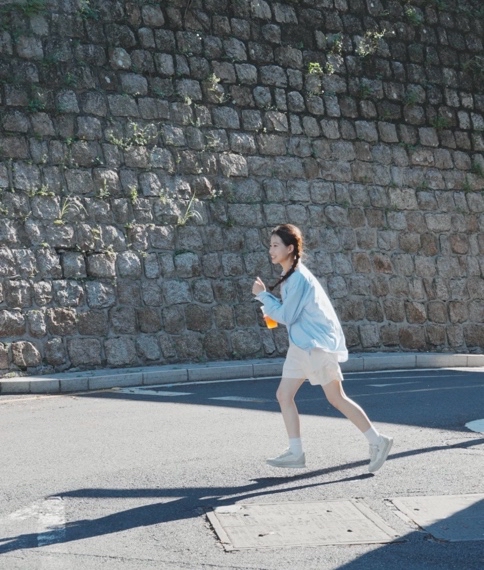
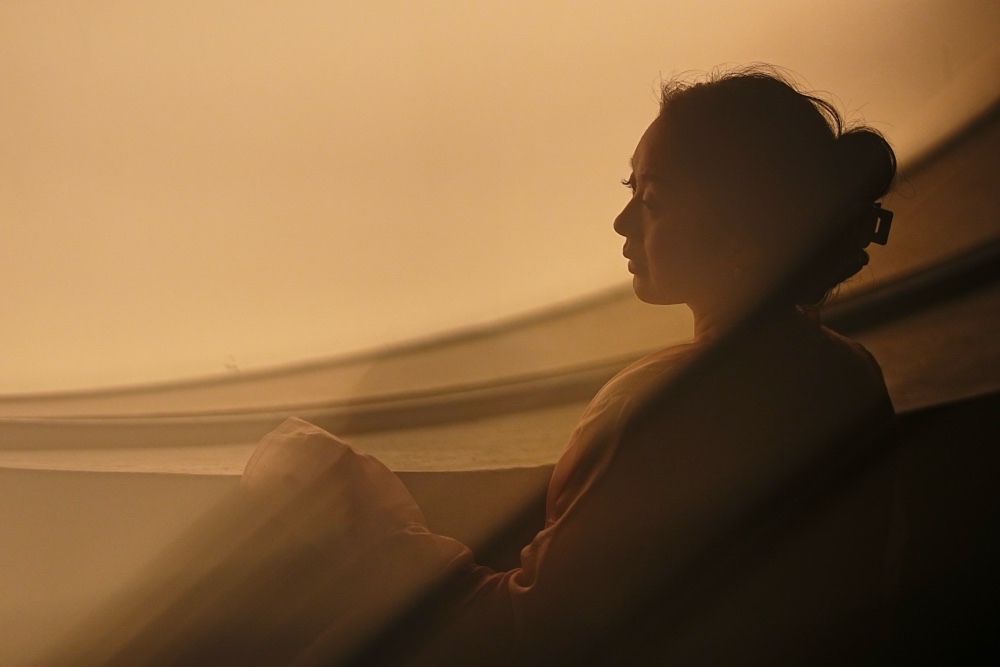
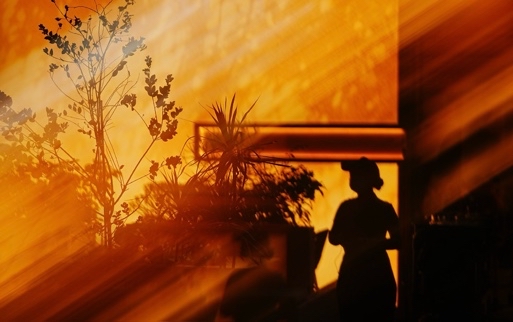
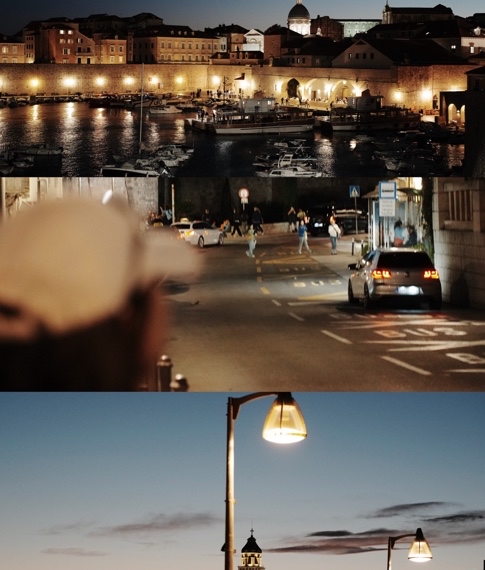

Four steps, on the body. Longer walkthrough: how to set Creative Look and Memory Recall.
Each card shows the base (FL, IN, SH…) and the eight sliders — Contrast, Highlights, Shadows, Fade, Saturation, Sharpness, Sharpness Range, Clarity — plus white balance if they listed it. Missing a number? Skip that card.
MENU → Exposure/Color → Color/Tone → Creative Look (or Fn). Not Image Quality. Pick the base on the card. A7 IV class has ten looks; A7 V / FX2 / RX1R III also have FL2 and FL3.
Enter them as written. Then Kelvin or AWB, and the A-B / G-M filter if the card has it. Fade is the slider people mistype off a paused video.
Custom Look, or the whole camera state to Memory Recall on the mode dial. The Look is in the JPEG. Lightroom will not show those sliders on the RAW.
Look is not Picture Profile. The cards on this site are free to copy.
A recipe here is a Creative Look you can copy: one of Sony’s bases (ST, PT, NT, VV, VV2, FL, IN, SH, BW, SE — plus FL2/FL3 on the newest bodies) plus Contrast, Highlights, Shadows, Fade, Saturation, Sharpness, Sharpness Range, and Clarity, and usually white balance. People share the numbers. You type them into the camera. There is no file to download.
Creative Look is the in-camera finish for stills and video. It first shipped on the A7S III (2020); the body people actually search is the A7 IV. It replaced Creative Style on newer menus. Picture Profile is still there for S-Cinetone, S-Log, and HLG — footage you plan to grade. S-Cinetone is a Picture Profile gamma, not a Creative Look. The cards on this site are Look recipes, not PP.
Open a card. On the camera: MENU → Exposure/Color → Color/Tone → Creative Look (or Fn). Pick the base, type the eight sliders, then white balance if the card lists it. Save a Custom Look or dump the whole state to Memory Recall. Shoot RAW+JPEG. The Look is in the JPEG. Full walkthrough is on the how-to page.
A7S III, A7 IV, A7 V, A7R V, A7C II, A7CR, A1, A1 II, A9 III, A6700, ZV-E10 II, ZV-E1, FX3, FX30, FX2, RX1R III. FL2/FL3 only on the newest of those. Not on A7 III, first-gen A7C, A6400, A6600, A6100, or ZV-E10 I — those stills cameras use Creative Style. Our cards will not type in; there is no Fade.
Yes. The same Look sits on stills and video. For stills, shoot RAW+JPEG so you keep a RAW if the JPEG is wrong. For video, the Look is on the recorded file. That is not a LUT, and it is not Picture Profile.
You do not have to. That is the point of SOOC JPEG. If you want to grade, keep the RAW. Lightroom will not show Fade or Clarity on that RAW; Imaging Edge Edit can put a Creative Look back on a Sony RAW.
Those names are analog-inspired Creative Look recipes people use on Sony, not Fujifilm modes. Typical starting bases: FL or IN for Portra-like skin, VV2 or ST for Kodak Gold warmth, IN with tungsten white balance for Cinestill 800T night color. Each card lists the base plus the sliders so you can copy it in-camera.
Yes. No account to copy a number. Browse a card, type it into the camera. AlphaLuma is a separate iPhone app if you want USB write, monitor, or a frame on the JPEG. This site works without it.
There is no best. We usually start from FL or PT. SH (Soft Highkey — that is the official name) if the light is already bright. IN if the room already has color. White balance matters as much as the sliders; 5200–5800K is a common daylight starting point, not a rule.
Picture Profile is still on new Sony bodies. Gamma, color mode, knee live there — S-Cinetone, S-Log3, HLG. Use it when you will grade. Use Creative Look when you want a finished JPEG or video out of the camera. Sony does not have Fujifilm film simulations. Older stills cameras (A7 III, A7C I, A6400, A6600) have Creative Style instead of Look; those bodies cannot load the cards on this site as written.