
01
Open a card
Each card shows the base (FL, IN, SH…) and the eight sliders — Contrast, Highlights, Shadows, Fade, Saturation, Sharpness, Sharpness Range, Clarity — plus white balance if they listed it. Missing a number? Skip that card.
Often searched as Sony film simulations — these are in-camera Creative Look recipes for Sony Alpha, not Fujifilm presets. Free SOOC JPEG looks for A7 IV, A7C II, A6700, and more: import over USB or Wi-Fi with AlphaLuma, or type them in by hand.





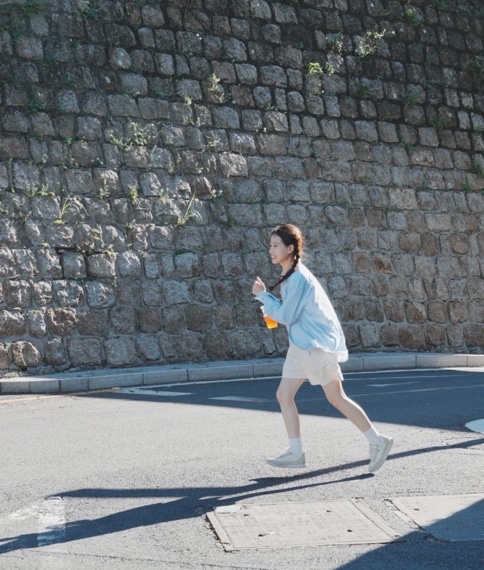
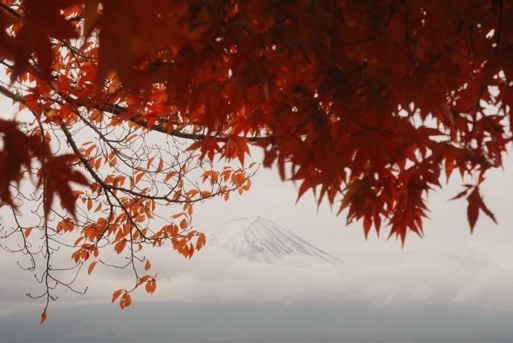
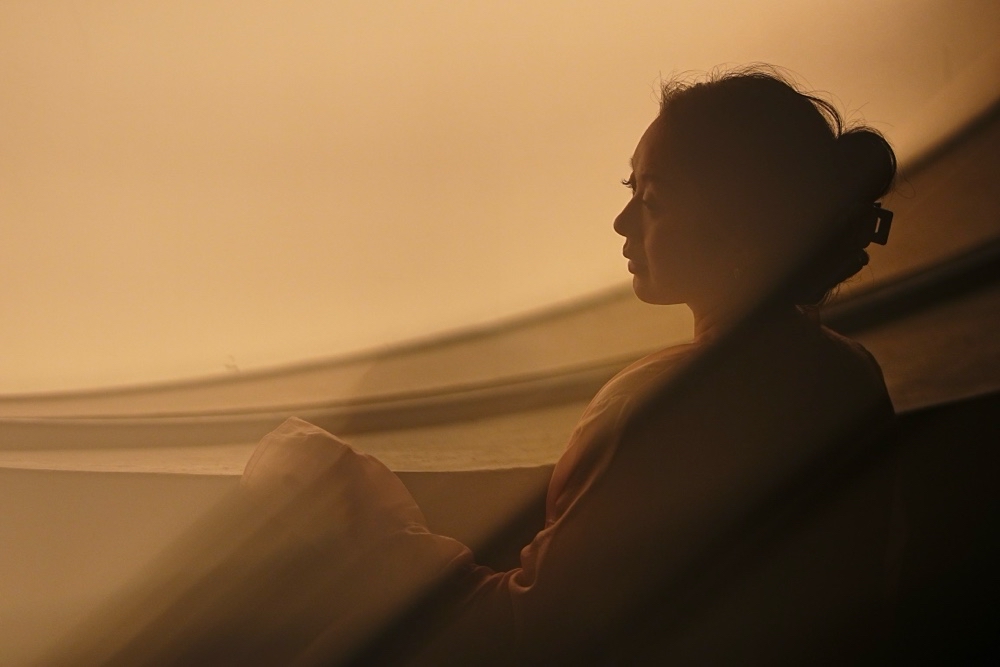
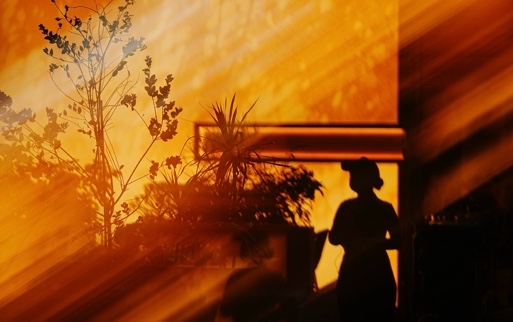
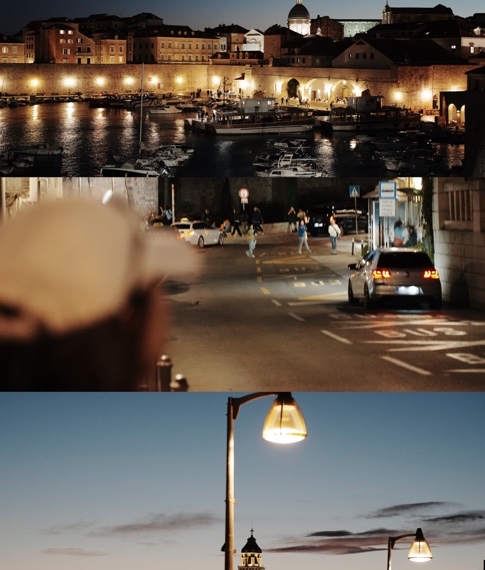
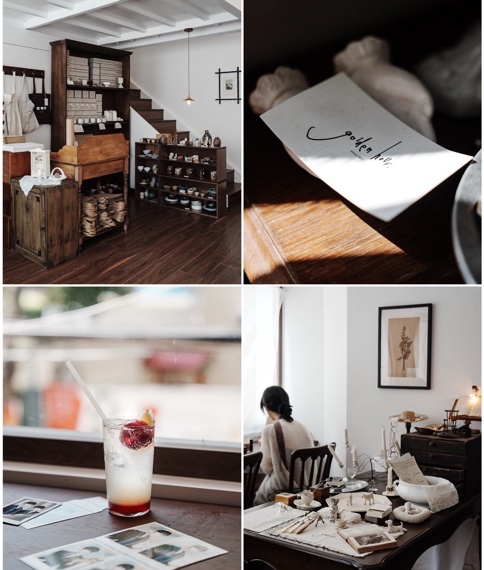
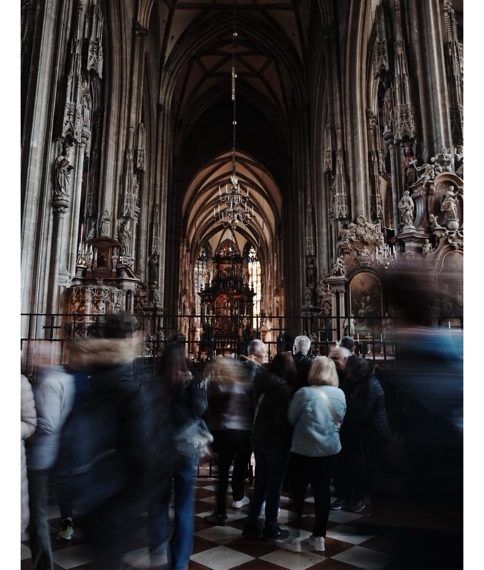
Four steps by hand on the body, or let AlphaLuma write it for you (below). Longer walkthrough: how to set Creative Look and Memory Recall
Each card shows the base (FL, IN, SH…) and the eight sliders — Contrast, Highlights, Shadows, Fade, Saturation, Sharpness, Sharpness Range, Clarity — plus white balance if they listed it. Missing a number? Skip that card.
MENU → Exposure/Color → Color/Tone → Creative Look (or Fn). Not Image Quality. Pick the base on the card. A7 IV class has ten looks. Some bodies also have FL2 and FL3 (for example the A7 V, A7R VI, FX2, RX1R III, RX10 V; the A1 II and A9 III from firmware 4.00).
Enter them as written. Then Kelvin or AWB, and the A-B / G-M filter if the card has it. Fade is the slider people mistype off a paused video.
Custom Look, or the whole camera state to Memory Recall on the mode dial. The Look is in the JPEG. Lightroom will not show those sliders on the RAW.
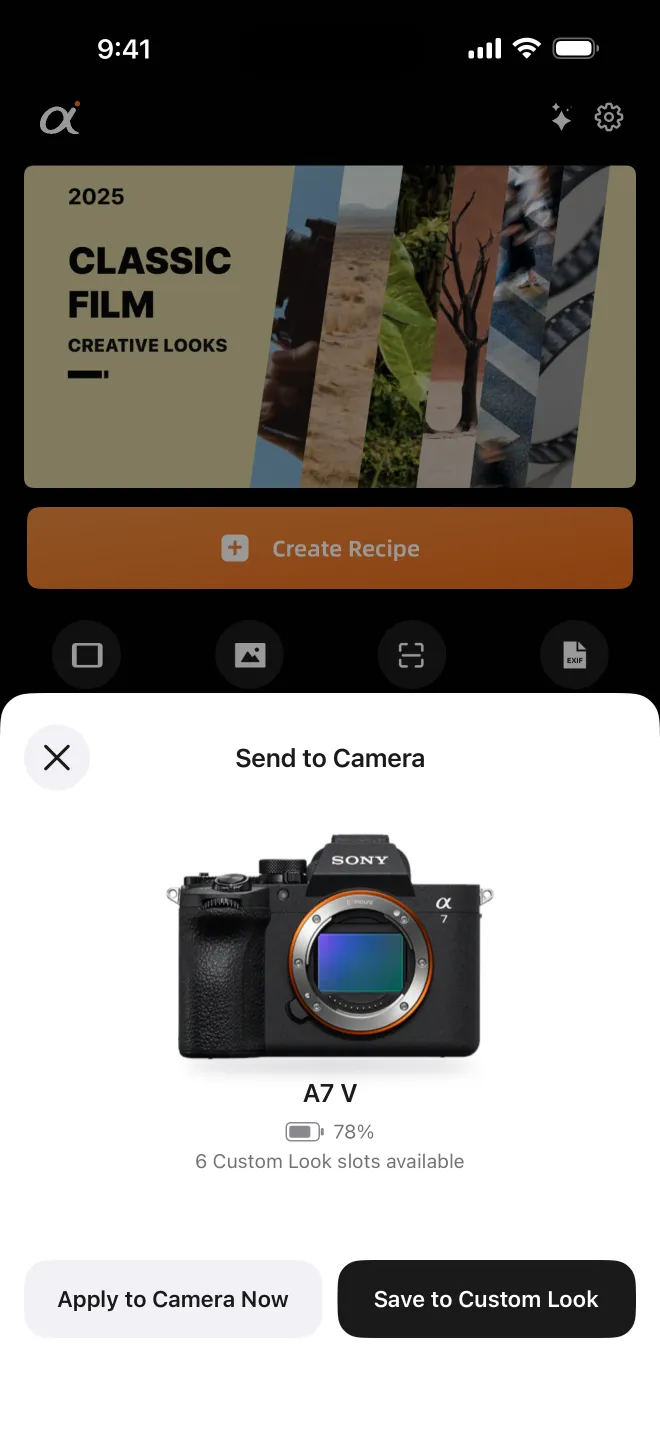 Skip the typingAlphaLuma sends the card to your Sony over USB or Wi-Fi. Four screens, from connecting to written.See how it worksNeither site is affiliated with Sony.
Look is not Picture Profile. The cards on this site are free to copy.
A recipe here is a Creative Look you can copy: one of Sony’s bases (ST, PT, NT, VV, VV2, FL, IN, SH, BW, SE — plus FL2/FL3 on some newer bodies) plus Contrast, Highlights, Shadows, Fade, Saturation, Sharpness, Sharpness Range, and Clarity, and usually white balance. People share the numbers. You type them into the camera. There is no file to download.
Creative Look is the in-camera finish for stills and video. It first shipped on the A7S III (2020); the body people actually search is the A7 IV. It replaced Creative Style on newer menus. Picture Profile is still there for S-Cinetone, S-Log, and HLG — footage you plan to grade. S-Cinetone is a Picture Profile gamma, not a Creative Look. The cards on this site are Look recipes, not PP.
Two ways. Import it: the AlphaLuma iPhone app writes a recipe straight into the camera over USB or Wi-Fi (also Bluetooth or the same network), no typing (wireless, including the same network, needs iOS 16; works on the α7 IV, α7C II, α6700, ZV-E10 II, α7 V, α7R V and more). Or type it: MENU → Exposure/Color → Color/Tone → Creative Look, pick the base, enter the eight sliders and white balance, then save a Custom Look. Shoot RAW+JPEG; the Look is in the JPEG. AlphaLuma is a third-party app, not affiliated with Sony.
A7S III, A7 IV, A7 V, A7R V, A7R VI, A7C II, A7CR, A1, A1 II, A9 III, A6700, ZV-E10 II, ZV-E1, ZV-1 II, ZV-1F, FX3, FX30, FX2, RX1R III, RX10 V. Some also have FL2 and FL3 (for example the A7 V, A7R VI, FX2, RX1R III and RX10 V; the A1 II and A9 III from firmware 4.00). Not on A7 III, first-gen A7C, A6400, A6600, A6100, or ZV-E10 I — those stills cameras use Creative Style. Our cards will not type in; there is no Fade.
Yes. The same Look sits on stills and video. For stills, shoot RAW+JPEG so you keep a RAW if the JPEG is wrong. For video, the Look is on the recorded file. That is not a LUT, and it is not Picture Profile.
You do not have to. That is the point of SOOC JPEG. If you want to grade, keep the RAW. Lightroom will not show Fade or Clarity on that RAW; Imaging Edge Edit can put a Creative Look back on a Sony RAW.
Those names are analog-inspired Creative Look recipes people use on Sony, not Fujifilm modes. Typical starting bases: FL or IN for Portra-like skin, VV2 or ST for Kodak Gold warmth, IN with tungsten white balance for Cinestill 800T night color. Each card lists the base plus the sliders so you can copy it in-camera.
Yes. You don’t need an account to copy a number, and you don’t need to install an app: open a card and type it into the camera. If you would rather not type, AlphaLuma, a separate third-party iPhone app, can write the same kind of recipe into the camera over USB, Bluetooth, Wi-Fi or the same network, on the α7 IV, α7C II, α6700, ZV-E10 II, α7 V, α7R V and more. The app also has a camera monitor and JPEG frames. Neither this site nor AlphaLuma is affiliated with Sony.
There is no best. We usually start from FL or PT. SH (Soft Highkey — that is the official name) if the light is already bright. IN if the room already has color. White balance matters as much as the sliders; 5200–5800K is a common daylight starting point, not a rule.
Picture Profile is still on new Sony bodies. Gamma, color mode, knee live there — S-Cinetone, S-Log3, HLG. Use it when you will grade. Use Creative Look when you want a finished JPEG or video out of the camera. Sony does not have Fujifilm film simulations. Older stills cameras (A7 III, A7C I, A6400, A6600) have Creative Style instead of Look; those bodies cannot load the cards on this site as written.