
From recipe card to camera
Short, friendly guides to getting the most out of a recipe card — by hand, by cable, or with no cable at all.
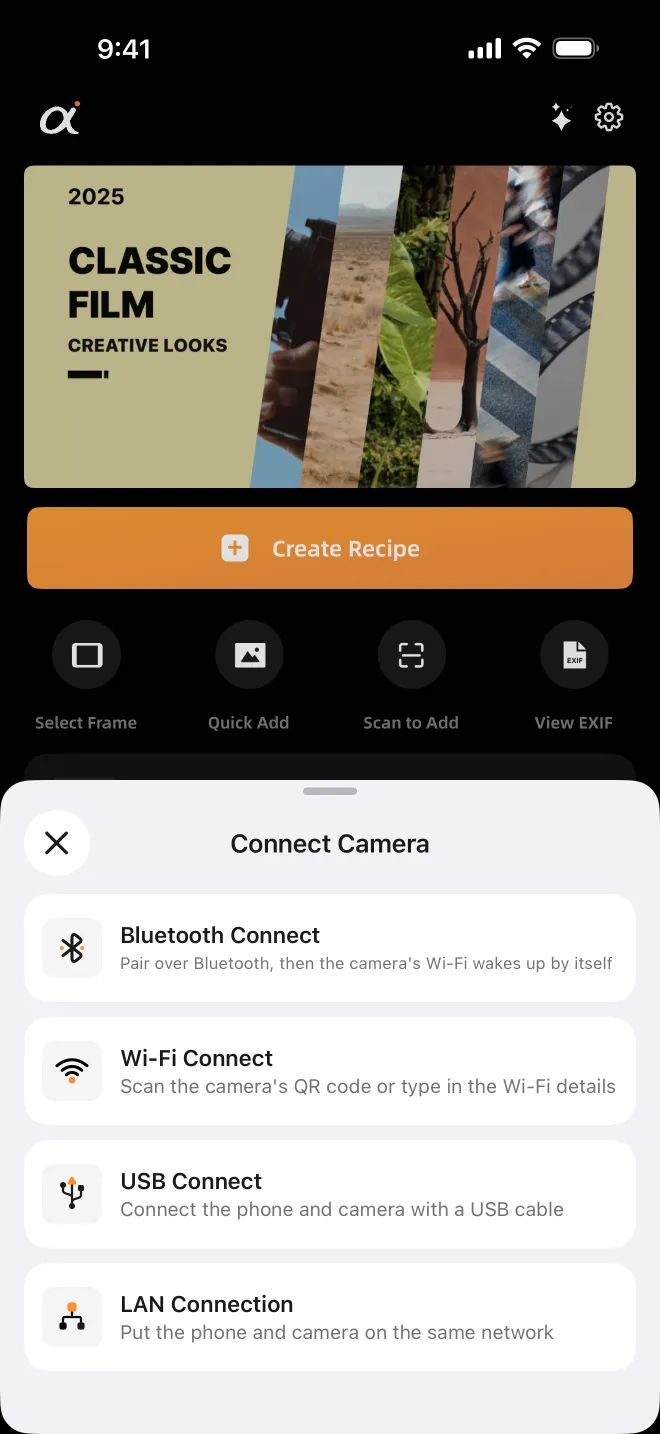
Got a Recipe Card? Three Ways to Get It Into Your Sony
Found a Creative Look recipe card? Compare typing it in by hand, USB and wireless (Bluetooth, Wi-Fi, LAN): what each needs, which cameras, when to pick it.
·5 min read
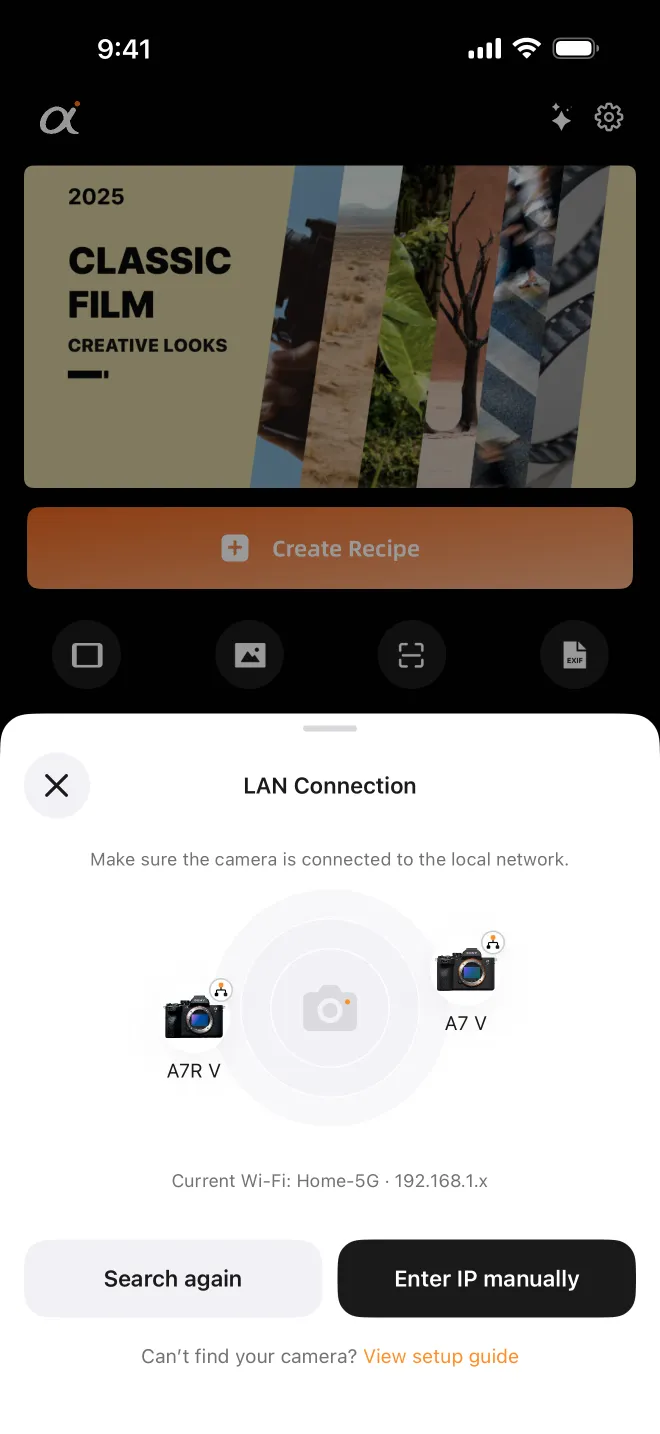
Sending Our Recipe Cards Wirelessly: What to Check First
Send a Sony Creative Look recipe card to your camera without a cable: Bluetooth, Wi-Fi QR code or home network, which bodies are tested, and quick fixes.
·6 min read
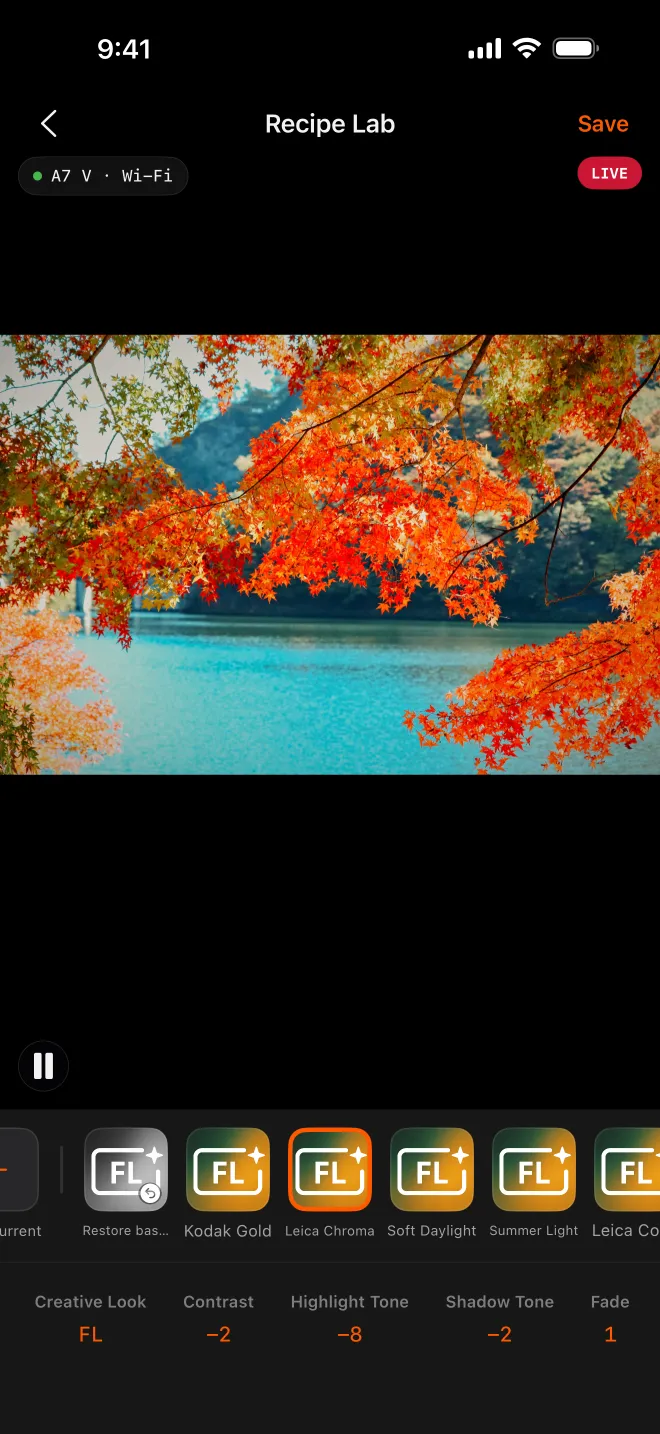
Tweak a Recipe Card on Live View with AlphaLuma Recipe Lab
Love a recipe card but want it a touch warmer? Tune a Sony Creative Look on live view with AlphaLuma Recipe Lab, then save it to a Custom Look slot.
·6 min read
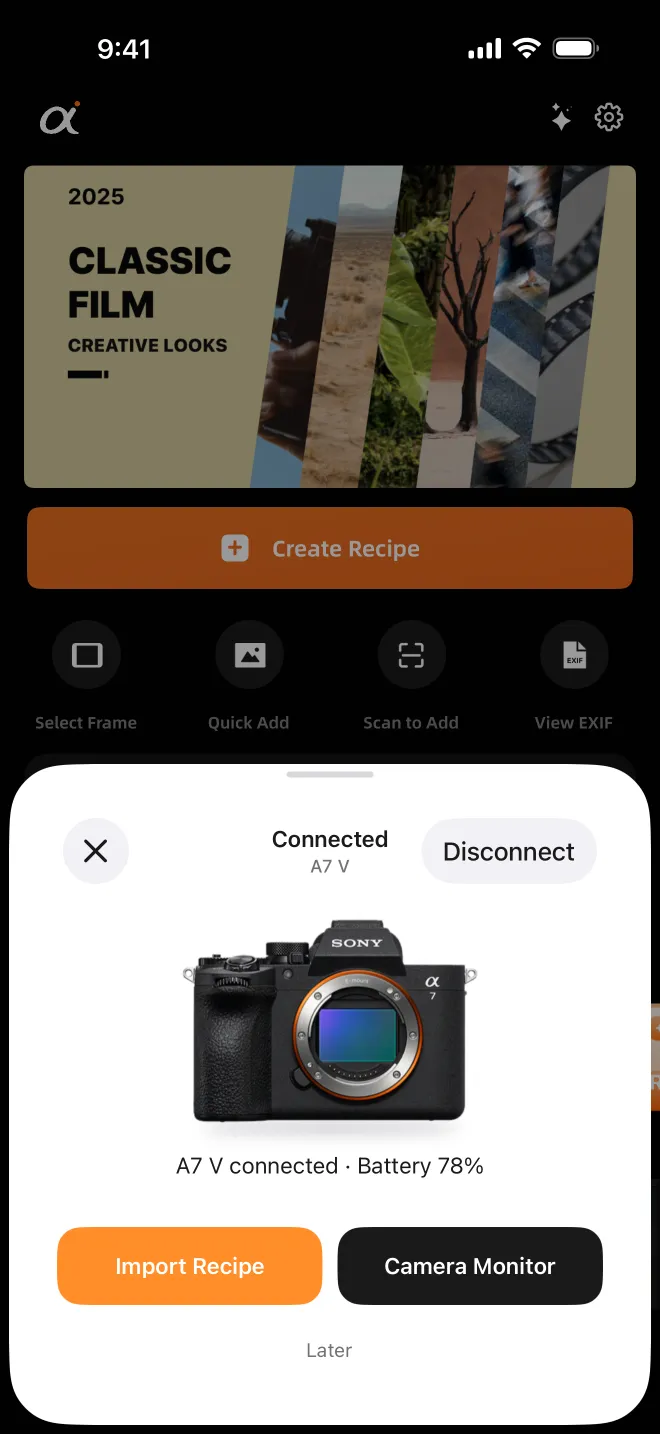
From Recipe Card to Custom Look Slot, Over One USB Cable
Put a Sony Creative Look recipe card into a Custom Look slot over USB with AlphaLuma: cable and iPhone checklist, tested cameras, fixes if nothing connects.
·4 min read
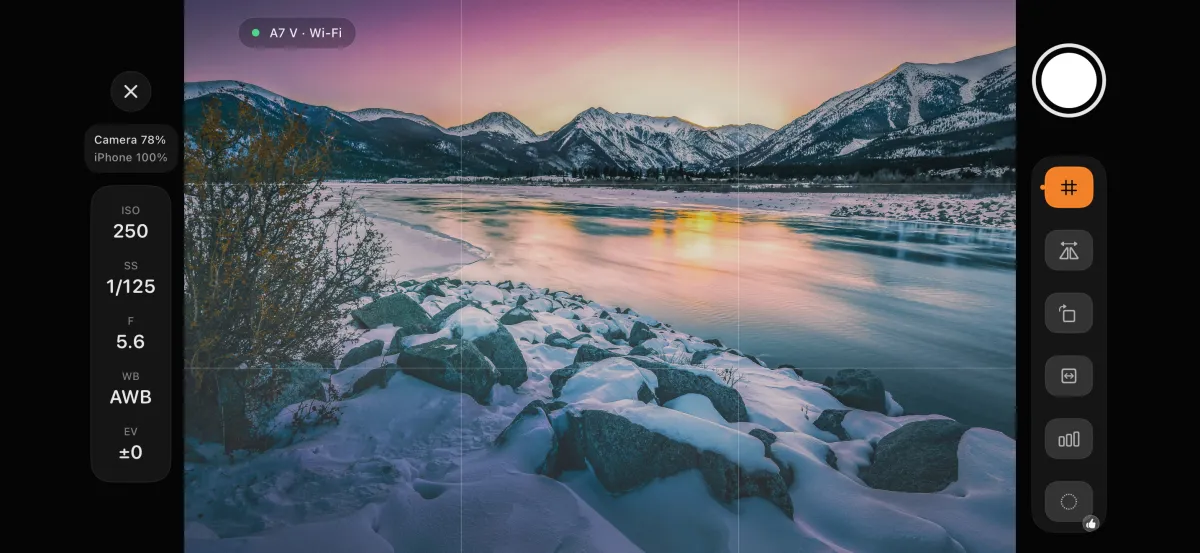
Compare Creative Look Recipes on a Screen Bigger Than Three Inches
Judge Sony Creative Look recipes on your iPhone instead of a 3-inch screen: AlphaLuma’s Camera Monitor switches looks on the camera while you watch live view.
·4 min read
Sony Film Simulations and AlphaLuma are third-party community tools for Sony Alpha photographers. Not affiliated with, endorsed by, or sponsored by Sony Group Corporation.